My exchange or wallet is not supported
And this is how you see whether an API or CSV integration is available and what you can do if not.
November 12, 2026
We are always integrating new exchanges, wallets, and blockchains. When there are new integrations here, we publish that as news in our Telegram channel.
1. The API integration
Ideally, you can integrate your exchange via an API integration. There is an explainer video before you enter the API keys.
Do you want to know whether your wallet or exchange is supported?
Simply create the corresponding wallet in chain.report. After creating it, you can see via the buttons in the wallet details whether you can connect an API or whether a CSV import is possible. If your exchange or wallet is not in the list, you must create a wallet without a type and work with the template.
2. The CSV import
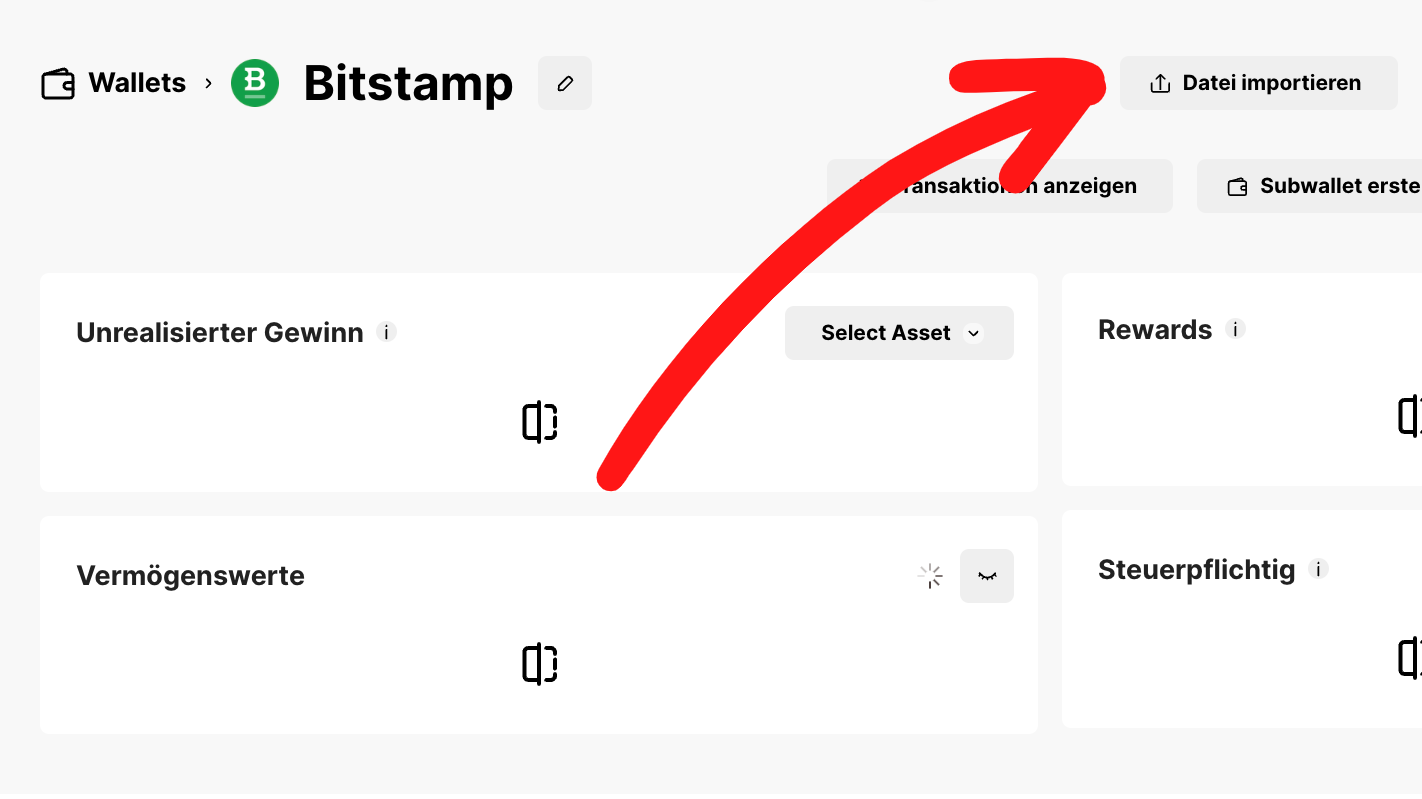
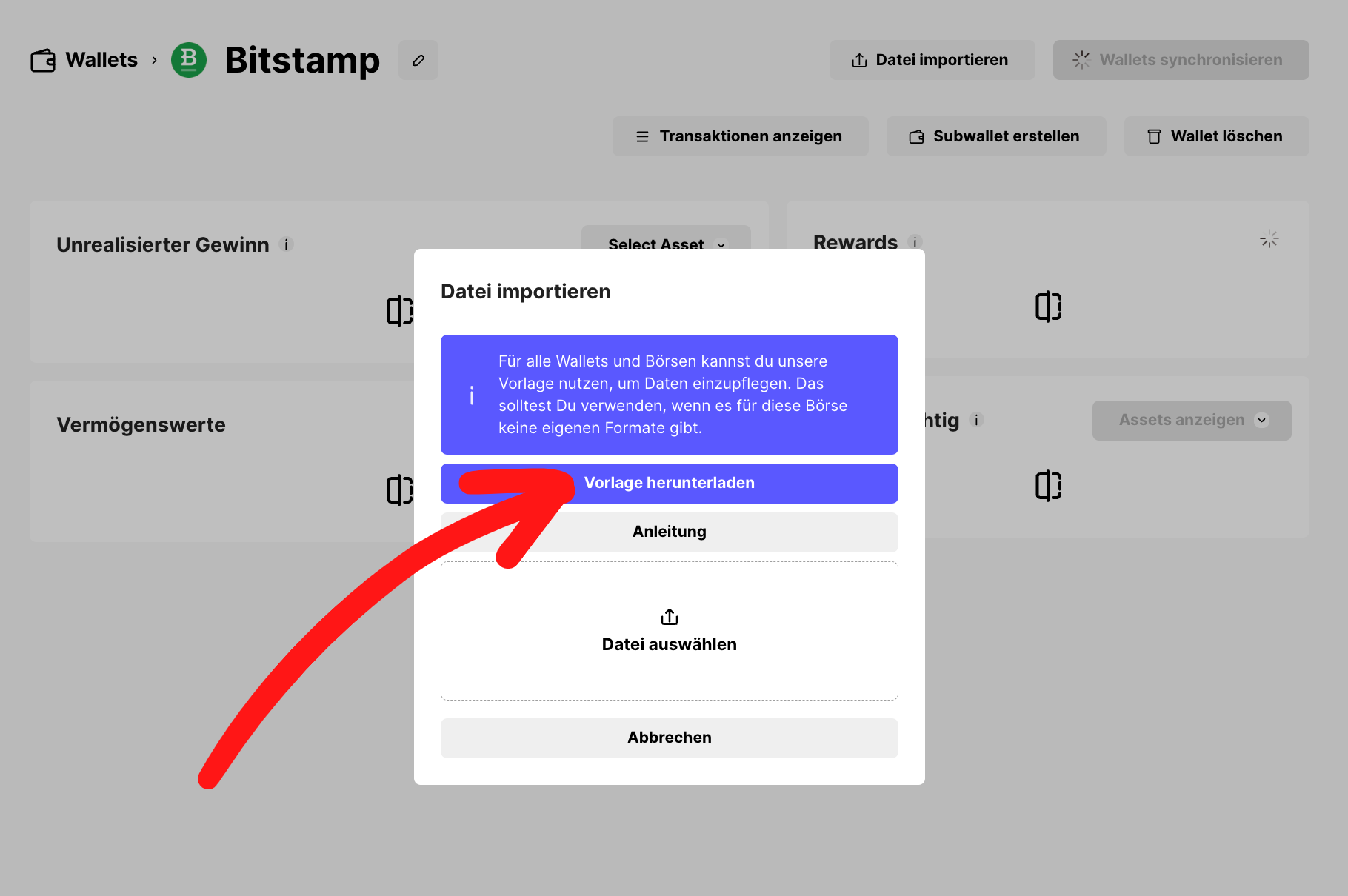
There is also the option of generating a CSV export from the exchange. Within the wallet, you can click the "Import data" button in chain.report; there you can expand a guide for the respective exchange. If you only see "chain.report template" here, only our template can be uploaded here, but not the export from the exchange - which in this case is then not supported.
If neither option exists, there is always the alternative of entering data via our template. For Bithumb, for example, there are currently still no such integrations (neither API nor CSV). For the respective wallet, you can download the template after "Import data", fill it out, and upload it accordingly.
You still want your exchange to be integrated via API or CSV? If you provide us with your data as a volunteer and have carried out as many conceivable use cases as possible on the corresponding exchange, we will gladly implement the integration exclusively for you.
You can find a detailed explainer video here: